📄 Create, upload, or correct
How to change the vocalization language

Upon import, the language is detected in the PDF.
To change it later, the setting is on the vocalization screen, after editing the text.
To access it:
- Open the text editing tool
- Click Ready for vocalization?
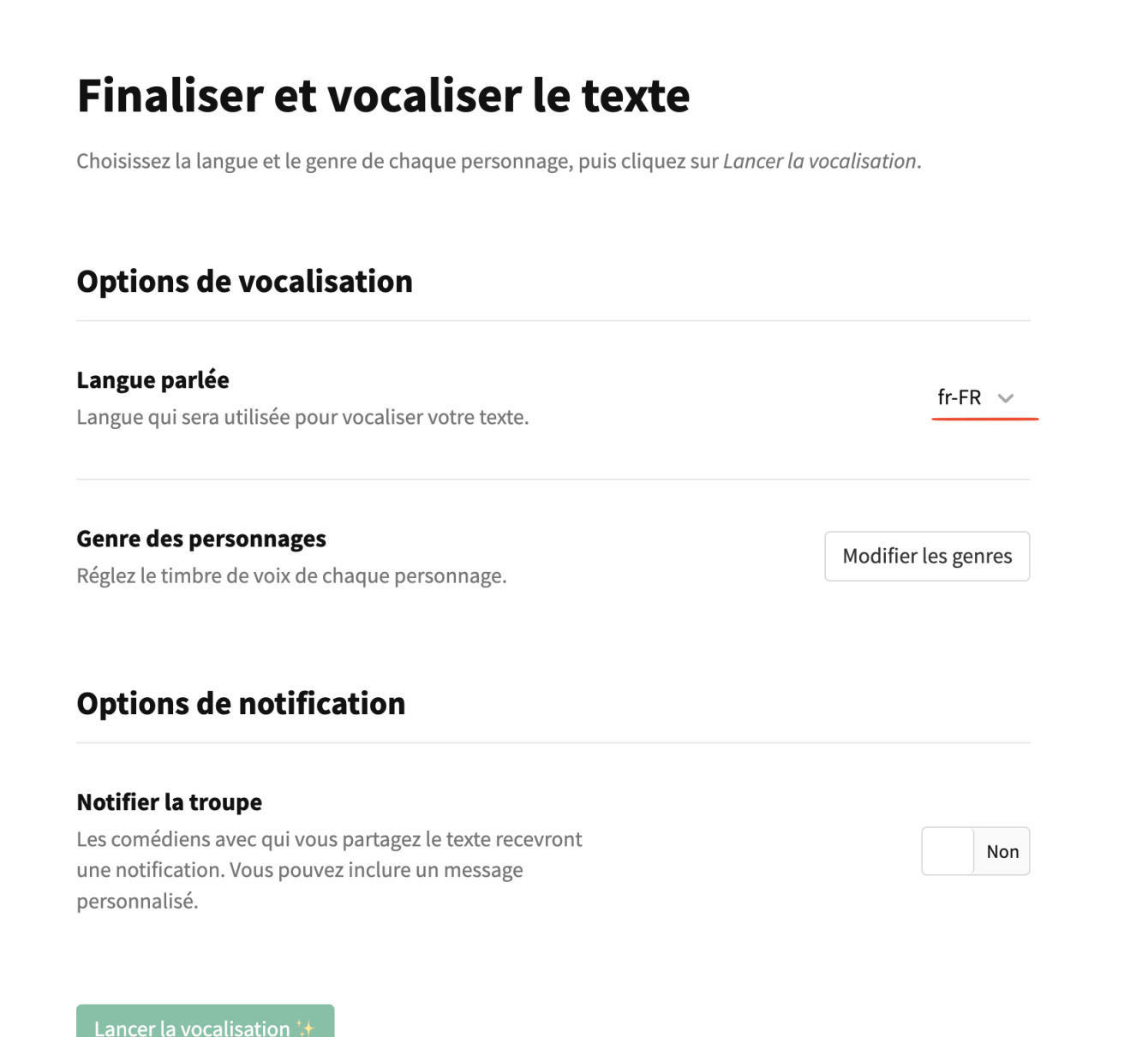
- On the next page, change the Spoken language
During import, the language is detected in the PDF.
To change it later, go to www.imparato.io, preferably on a computer: the setting is on the vocalization screen, after editing the text.
To access it:
- Open the text editing tool
- Click on Ready to vocalize?
- On the next page, change the Spoken language
Exception: when you replace the PDF of a text, the app suggests the detected language before publishing.
Was this information useful to you?
Thank you!